Please reference the below table for understanding what the color of the center LED means on your Bond Bridge:
Setup Related
| Center ring Color and pattern | Function |
 | 3 or 4 White on indicate the Bond is starting up. If this does not change after 1 minute, please remove power, wait 30 seconds and restore power. If still in this state please reach out to customer service. |
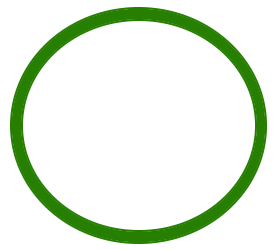 | Solid green indicates connected to Ethernet. This only applies to the Bond Bridge Pro that is in setup mode. |
| Flashing green indicates the Bond is in WiFi setup mode. |
 | Pulsing blue indicates the Bond is connecting to WiFi. |
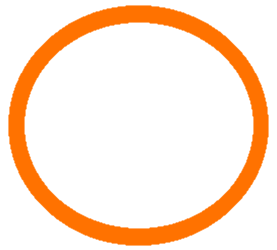 | Solid orange indicates the connection to Wifi failed. All 5 of the led units are on. |
 | Spinning blue indicates connecting to Bond cloud. |
| Solid Blue indicates the Bond is connected to Wifi and the cloud. |
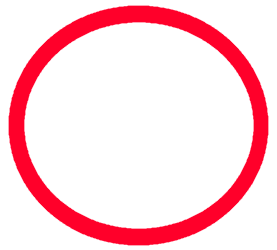 | Solid red Try removing power, wait 30 seconds and restore power. If still in this state please reach out to customer service. |
Operation and Programming
| Quick flashing blue indicates transmitting signal. | |
| Slow flashing blue indicates scanning for remote signal. | |
| Quick flashing orange indicates remote signal wasn't detected during programming. |

For additional Bond Bridge technical support:
- Chat with us through the Help Center in the Bond Home app
- Email: customerservice@olibra.io
For all other support for your motorized shades and awnings:
- Email: motorization.support@springswindowfashions.com, responses may take up to 2 business days
- Customer Service Team: 1-800-221-6352
Was this article helpful?
That’s Great!
Thank you for your feedback
Sorry! We couldn't be helpful
Thank you for your feedback
Feedback sent
We appreciate your effort and will try to fix the article