NOTE: If you own two (2) or more shades that only operate as a group, you will need to disconnect power from the shades you are not programming.
- Using the remote that you want to control the shade, select the channel if applicable.
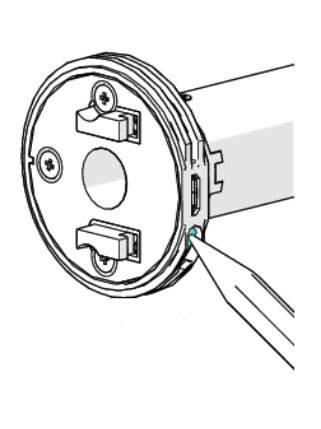
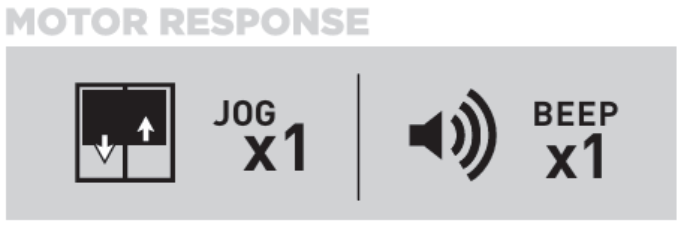
- Press and hold the Programming button on the motor until the shade jogs (short up/down motion) once. The motor will also beep once.
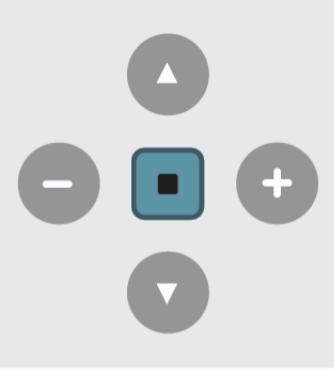
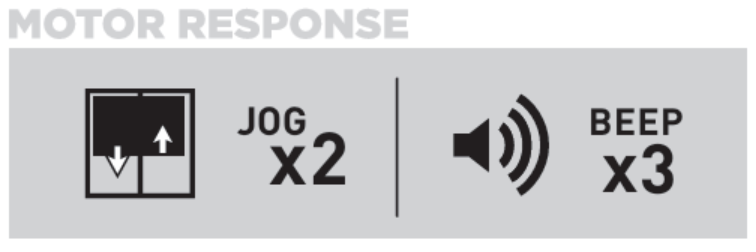
- On the remote, press and hold the STOP button for four (4) seconds. The shade will jog twice (2) and beep three (3) times.
- Run the shade all the way down and up down to confirm the remote operates the shade.
- Repeat for each shade as necessary.
For additional support:
Email: motorization.support@springswindowfashions.com, responses could take up to 24 hours
Customer Service Team: 1-800-221-6352
Was this article helpful?
That’s Great!
Thank you for your feedback
Sorry! We couldn't be helpful
Thank you for your feedback
Feedback sent
We appreciate your effort and will try to fix the article