NOTE: If you own two (2) or more motorized products that only operate as a group, you will need to disconnect power from the shades you are not programming.
Setting the Favorite, Home, or Middle position:
- Using the remote that currently controls the drapery, select the channel, if applicable, by using the button at the bottom of the remote until the correct channel light is flashing.
- Move the drapery using the UP or DOWN arrows until the shade is at the new favorite position.
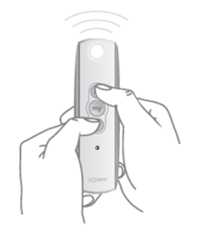
- Press and HOLD the "MY" or "STOP" button until the shade jogs (short up/down motion) once.
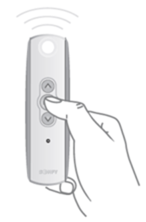
- Repeat for each drapery as necessary.
Removing a Favorite, Home, or Middle position:
- Using the remote that currently controls the drapery, select the channel, if applicable, by using the button at the bottom of the remote until the correct channel light is flashing.
- Move the drapery using the UP or DOWN arrows until the shade is at the favorite position.
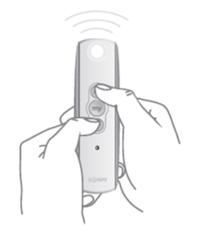
- Press and HOLD the "MY" or "STOP" button until the shade jogs (short up/down motion) once.
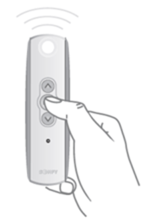
- Repeat for each drapery as necessary.
For additional support:
Email: motorization.support@springswindowfashions.com, responses could take up to 24 hours
Customer Service Team: 1-800-221-6352
Was this article helpful?
That’s Great!
Thank you for your feedback
Sorry! We couldn't be helpful
Thank you for your feedback
Feedback sent
We appreciate your effort and will try to fix the article