When the controller’s light or screen is not coming on, it is time to change the batteries in your controller.
Handheld Remotes:
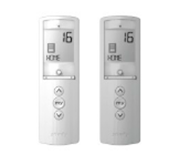
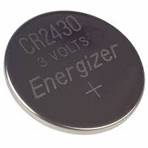
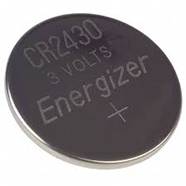
If you are using a single (1) channel or five (5) channel handheld remote, remove the screw on the back of the remote, take off the battery cover, and replace the old battery inside with a fresh CR2430 lithium coin battery.
|
|
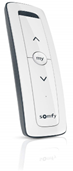
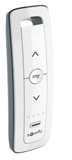
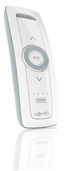
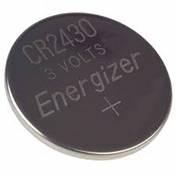
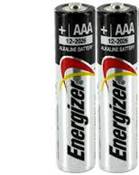
If you are using a sixteen (16) channel handheld remote, remove the battery cover, and replace the old batteries inside with fresh AA lithium batteries.
|
|
Wall Switches and Tabletop remotes:
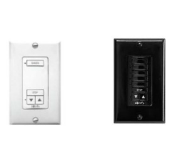
If you are using a single (1) channel or five (5) channel wall switch, you will need to uninstall the switch from the wall following these steps:
- Remove the screws on the front of the wall switch’s plate.
- Take off the plate.
- Uninstall the wall switch.
- Remove the screw on the back of the switch.
- Take off the battery cover.
- Replace the old battery inside with a fresh CR2430 lithium coin battery.
|
|
If you are using a single (1) channel or five (5) channel tabletop remote, you will need to uninstall the remote from the case following these steps:
- Remove the screws on the back of the tabletop’s case.
- Take off the front plate.
- Uninstall the remote from the case.
- Remove the screw on the back of the remote.
- Take off the battery cover.
- Replace the old battery inside with a fresh CR2430 lithium coin battery.
|
|
For additional support:
Email: motorization.support@springswindowfashions.com, responses could take up to 24 hours
Customer Service Team: 1-800-221-6352
Was this article helpful?
That’s Great!
Thank you for your feedback
Sorry! We couldn't be helpful
Thank you for your feedback
Feedback sent
We appreciate your effort and will try to fix the article