Yes, the speed can be adjusted for the motor. To do so, follow the instructions below:
- Open the TaHoma pro app and select configure a motor.
- Once motor is configured, you should see the following screen
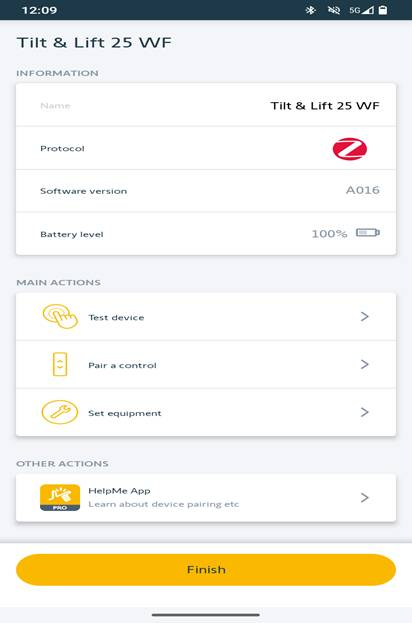
- Select “Set equipment”
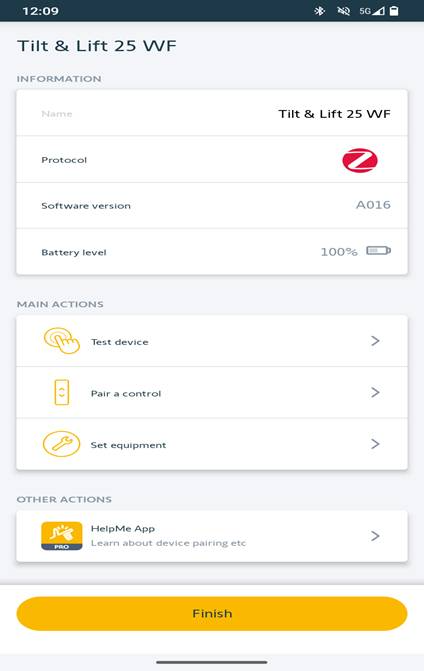
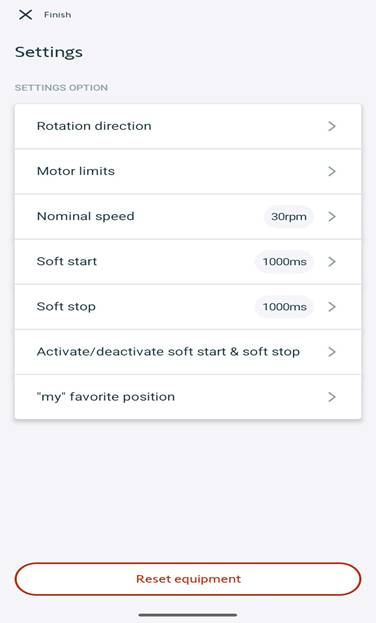
- Select “Nominal speed”
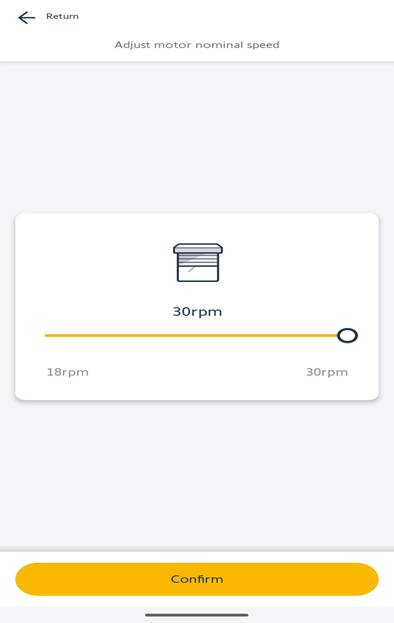
- The speed can be set anywhere from 18-30 RPMs. Once the desired speed is set, select “Confirm”.
For additional support:
- Email: motorization.support@springswindowfashions.com, responses could take up to 2 business days
- Customer Service Team: 1-800-221-6352
Was this article helpful?
That’s Great!
Thank you for your feedback
Sorry! We couldn't be helpful
Thank you for your feedback
Feedback sent
We appreciate your effort and will try to fix the article